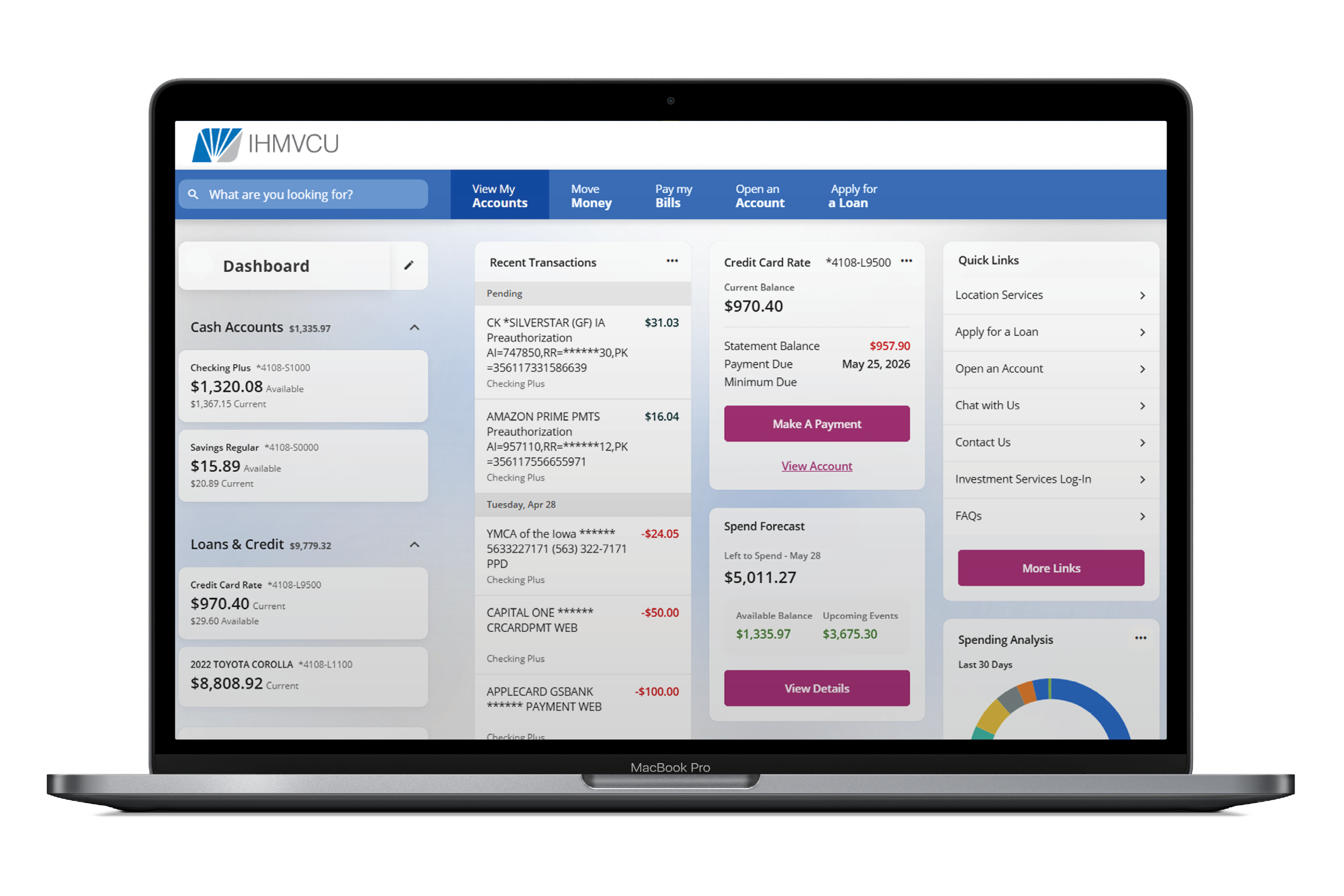
We’ve officially launched our new Digital Banking experience, designed to make managing your money easier, faster, and more secure.
When you log-in for the first time, you’ll be prompted to reset your password. From there, take a few minutes to review your settings and get everything set back up.
Are you a IHMVCU business member? We've got a special page for you!
Here are a few quick things to check:
Re-establish your account alerts
Reconnect any external accounts or transfers
Review your security settings and enable added protection like an authenticator app or passkey
Get familiar with your new dashboard and features
You’ll notice a more modern look, smoother navigation, and enhanced security features, along with the tools you rely on every day.
Devices and Browsers
Our new Digital Banking platform works best on newer devices and updated browsers. You may need to update your device if you’re using:
Using an older device? You can still access Digital Banking through your mobile web browser by visiting IHMVCU.org and logging in from your phone.
Even if your device does not support the newest version of the app, many Digital Banking features are still available through the mobile website.
Computers
- Windows 10 or older
- Mac operating systems older than Mac OS 11
- Older versions of Chrome, Safari, Edge, or Firefox
iPhones / iPads
- You’ll need one of the most recent iOS versions to download or update the app
- If your iPhone or iPad can’t update to newer iOS versions, the app may not work
Android Phones / Tablets
- Android 13 or newer is required to download or update the mobile app
- Older Android devices may not be able to install the app
Good rule of thumb: If your device is more than a few years old and hasn’t been updated recently, you may need to run a system update before the new Digital Banking launches.
Using an older device? You can still access Digital Banking through your mobile web browser by visiting IHMVCU.org and logging in from your phone.
Even if your device does not support the newest version of the app, many Digital Banking features are still available through the mobile website.

Start Here. Everything You Need is Built In.
We’ve made it easy to find help right when you need it. Inside Digital Banking, you’ll have access to:
Short how-to videos to guide you step by step
FAQs built right into the platform
Helpful tips as you navigate new features
This page is also your go-to resource for updates, FAQs, and everything you need to get up and running.
Whether you’re logging in for the first time or exploring what’s new, you’ll have the support you need every step of the way.
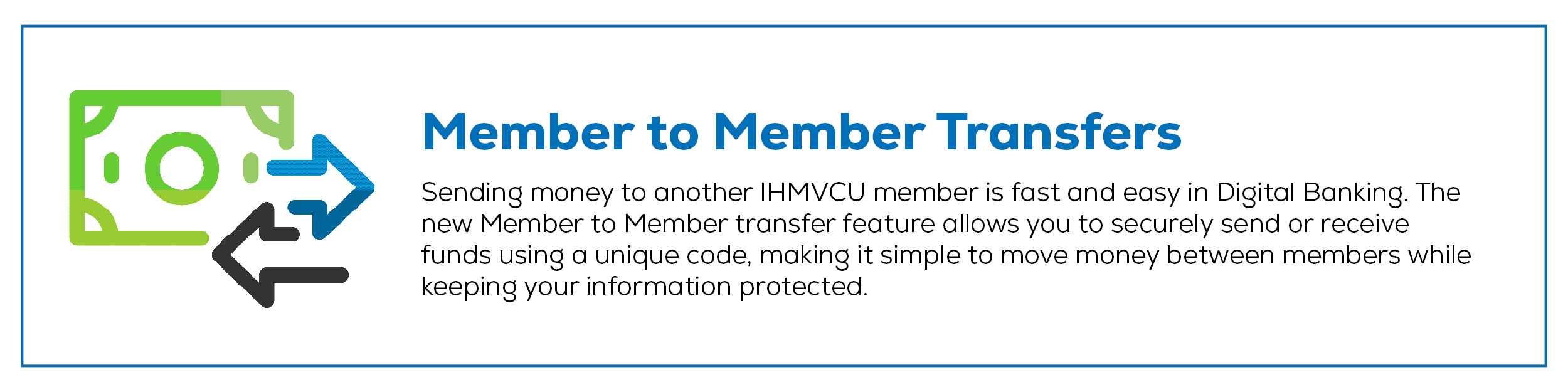
Member to Member Transfers
Use Member to Member Transfers to send money from your IHMVCU account to another IHMVCU member.
Send a Member to Member Transfer
Go to Move Money
Select Member to Member Transfers
Select the member account you want to transfer to
Choose the account you want to transfer from
Enter the amount
Choose whether it’s a one-time or recurring transfer
Review and submit

Add Another Member’s Account
- Go to Move Money
- Select Member to Member Transfers
- Click Add Account
- Enter the member’s M2M Code
- Add an Account Nickname
- Click Add Account
Create and Share Your M2M Code
- Go to Move Money
- Select Member to Member Transfers
- Click Create Code
- Select the account you want to link
- Create an M2M Code
- Click Create Code
- Share the code with the IHMVCU member who needs to send money to you
Note: M2M Codes must be 6 to 24 characters and can only include letters and numbers.
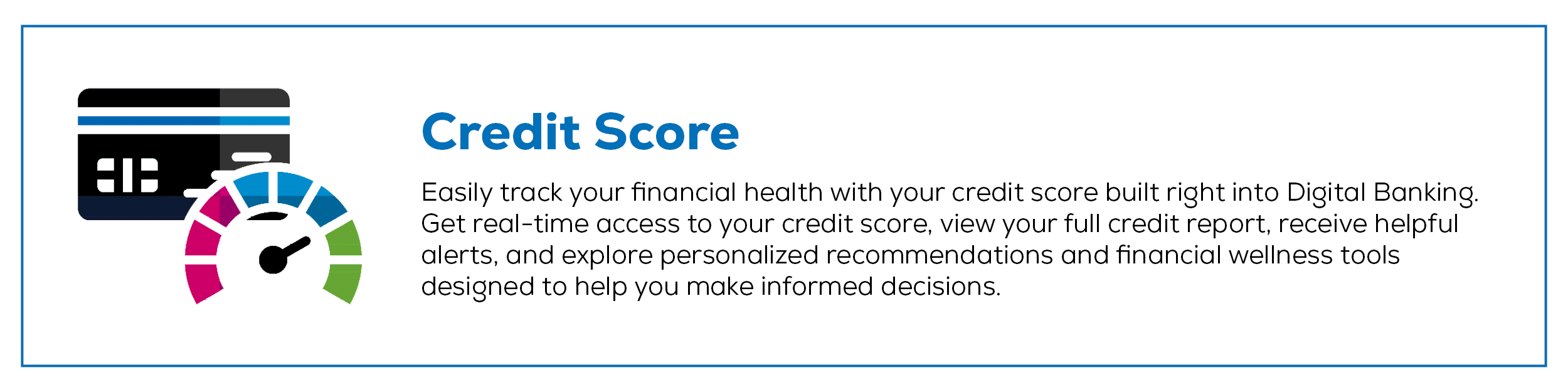
-
Will my password change?
Yes. The first time you log-in to the upgraded system you will need to reset your password.
Not sure what contact information we have on file? Call us at 309-793-6200.
Tip: After updating your password, be sure to also update it in any other apps or services connected to your IH account so everything continues working smoothly.
-
What if I forgot my username or password?
Click Forgot Username or Password on the log-in screen.
-
Do I need to re-register for online banking?
No. If you currently use online banking, you will not need to re-register. You will simply reset your password the first time you log-in.
-
Will my username change?
No. You’ll continue using your current username.
-
Will the password reset experience change?
Yes. Multi-factor authentication (MFA) will replace security questions, providing stronger security and a smoother log-in experience.
-
Do I need to log-in from a computer the first time?
No. You can log-in from desktop, mobile, or tablet.
-
Will my eStatement history transfer?
Primary account holders will continue to have access to eStatement history.
-
Will I need to download a new mobile app?
iPhone users: If automatic updates are enabled, no action is needed. If not, check the app store and hit "Update". You’ll need one of the most recent iOS versions to download or update the app.
Android users: Download the updated app from Google Play. Android 13 or newer is required to download or update the mobile app.
-
Why can’t I see eStatements?
Only primary account holders can view eStatements in Digital Banking.
-
Will my account view change?
Yes. Accounts will be organized differently, and you will see all accounts where you are an owner or joint owner.
If something appears missing, call us at 309-793-6200.
-
Can I hide accounts I don’t want displayed?
Yes. The new system allows you to organize your dashboard so your most used accounts appear first.
If you previously hid accounts, you’ll need to hide them again after the upgrade.
What happens if I had more than one username in the previous platform?
The most recent username you used to log-in will be the one that transfers over.
